Features
Our answers to applications of every kind
Receive
Everything your application form needs.


Portal for applicants
Applicants draft, submit and edit applications with ease: multilingual, clear and accessible.
Flexible forms
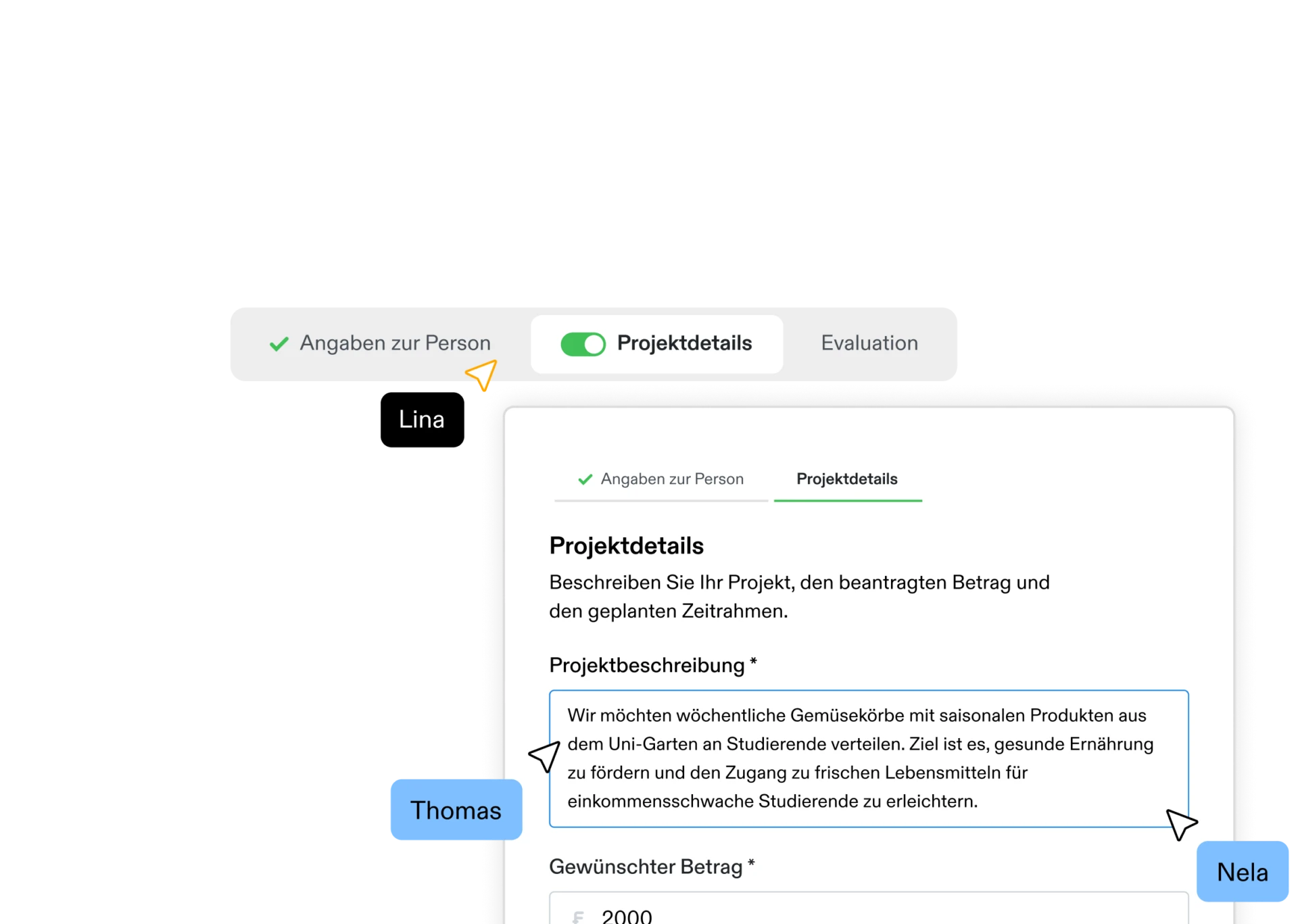
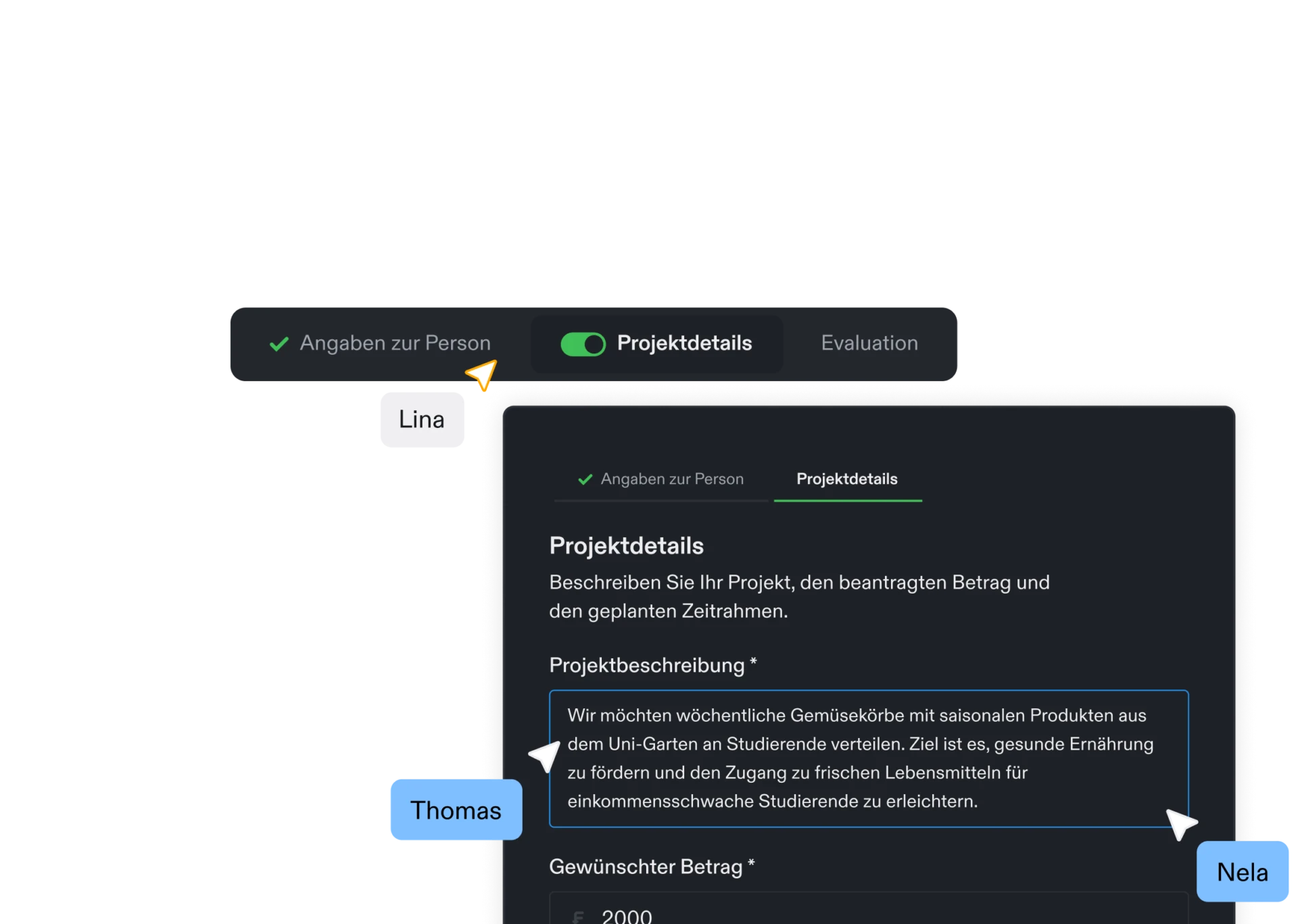
Multi-step, user-friendly forms with validation, autosave and shared editing in the team. Configurable for different application processes.
Forms for every process
Create different forms for different application types or workflows.
Custom input types
Text, long text, selection, multiple selection, date, file upload, number or currency: put together the field types you need.
Multi-phase forms
Break forms into modular parts that can be shown or hidden depending on logic or phase. With an intuitive revision workflow for working together.
Sections and repeatable fields
Structure complex forms with sections and repeatable entries.
Conditional fields
Fields and sections appear only when they are relevant to the applicant.
Multiple languages
Translate all portal content (forms, labels, instructions, links) into German, French, Italian, and English.
Powerful validations
Define required fields, character limits, permitted formats and more.
Custom design
Colours, typography and buttons in the look of your organisation.
Application overview for applicants
Current and past applications are always visible in the portal.
Logins without password chaos
Passwordless, secure login and registration.
Accessibility
A good portal is usable by everyone. We develop to best practices and make regular adjustments.
Account management
Users can view and edit their own account details.
Scheduled forms
Set when a form starts and stops accepting submissions.
Never lose data again
Every step of progress is saved automatically to prevent data loss.
Administration
Central administration and organisation of applications.


Batch processing
Edit several applications at once, for example change the status, set tags or send emails.


Automations
Automate workflows with triggers, conditions and actions, entirely without AI.
Status management
Define as many application stages as you need, each with its own colour.
Sort, filter, search
Keep an overview even with large volumes of data.
Team management
Keep an overview as a team. Roles can be assigned clearly, and access granted or revoked.
Access
Assign admin, editor and voting rights individually.
Export
Export data as PDF, CSV or Excel. PDF exports include images and attachments and can be downloaded as a ZIP file, with each application as its own PDF.
Internal fields
Capture internal information per application — also available as variables in email templates.
Automatic status changes
Define triggers that change a status automatically.
Automatic release
Decide when applications are released automatically.
Automated emails
Automate communication with applicants or reviewers to suit your needs.
Custom columns
Key form fields are shown directly in the table view.
Filter presets
Save the filters you use often and recall an application list in one click.
Checklists
Store internal or external checklists for every application status.
Tags
Organise incoming applications with colourful tags, as many as you like.
Reminders
Receive automatic reminders about incomplete applications or upcoming deadlines.
File preview
Preview files (XLSX, CSV, PDF, MP4, MP3, DOC, PNG, JPG and more) straight in the browser.
Archiving
Archive closed or inactive applications with little effort.
Manual entry
Enter new applications directly in the system.
Application ID
Define your own application identifiers to match the structure of your organisation.
Communication & collaboration
Tools for working more efficiently with your team and with applicants.
Straightforward communication
Send emails to applicants straight from the portal.
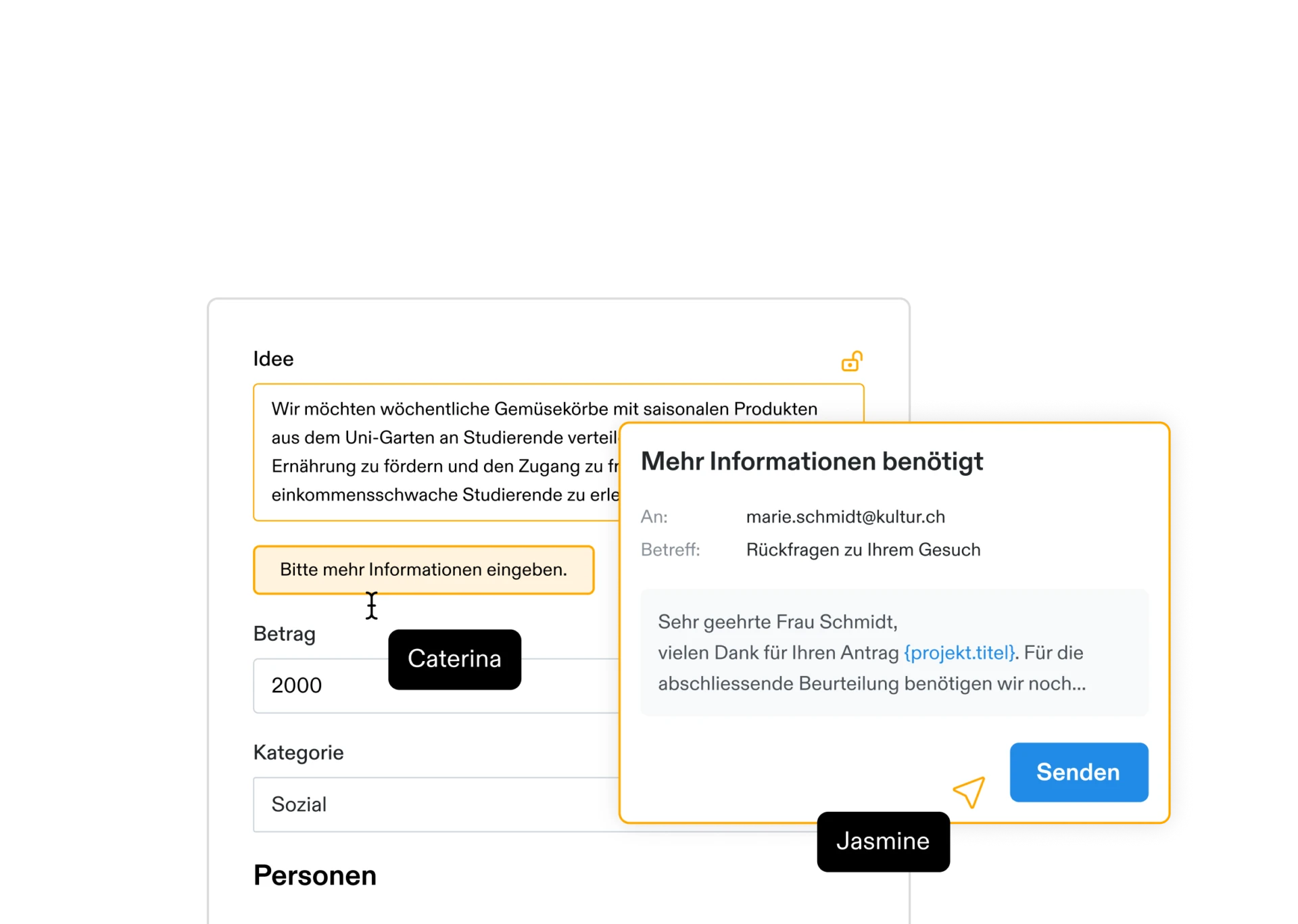

Something still missing?
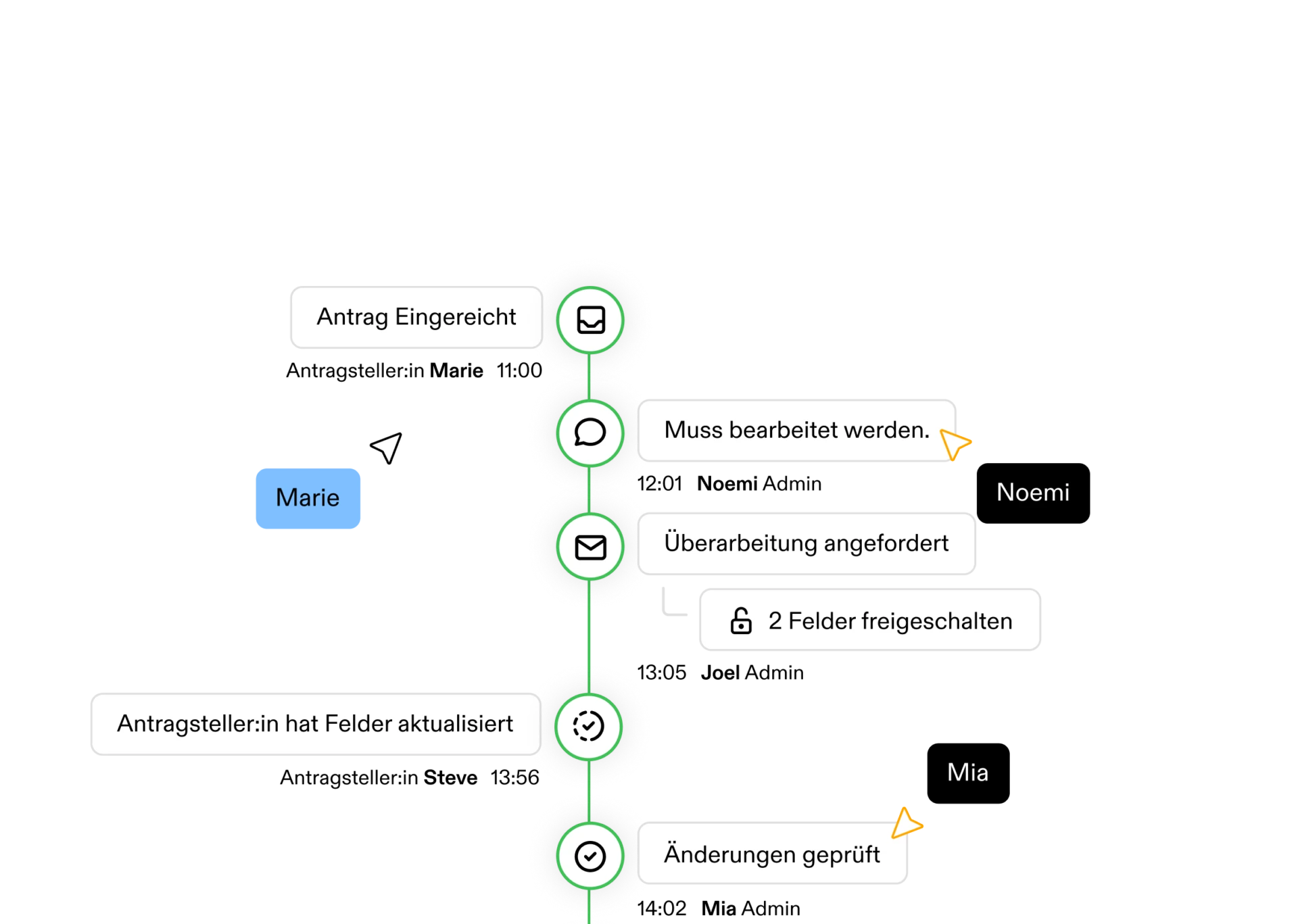
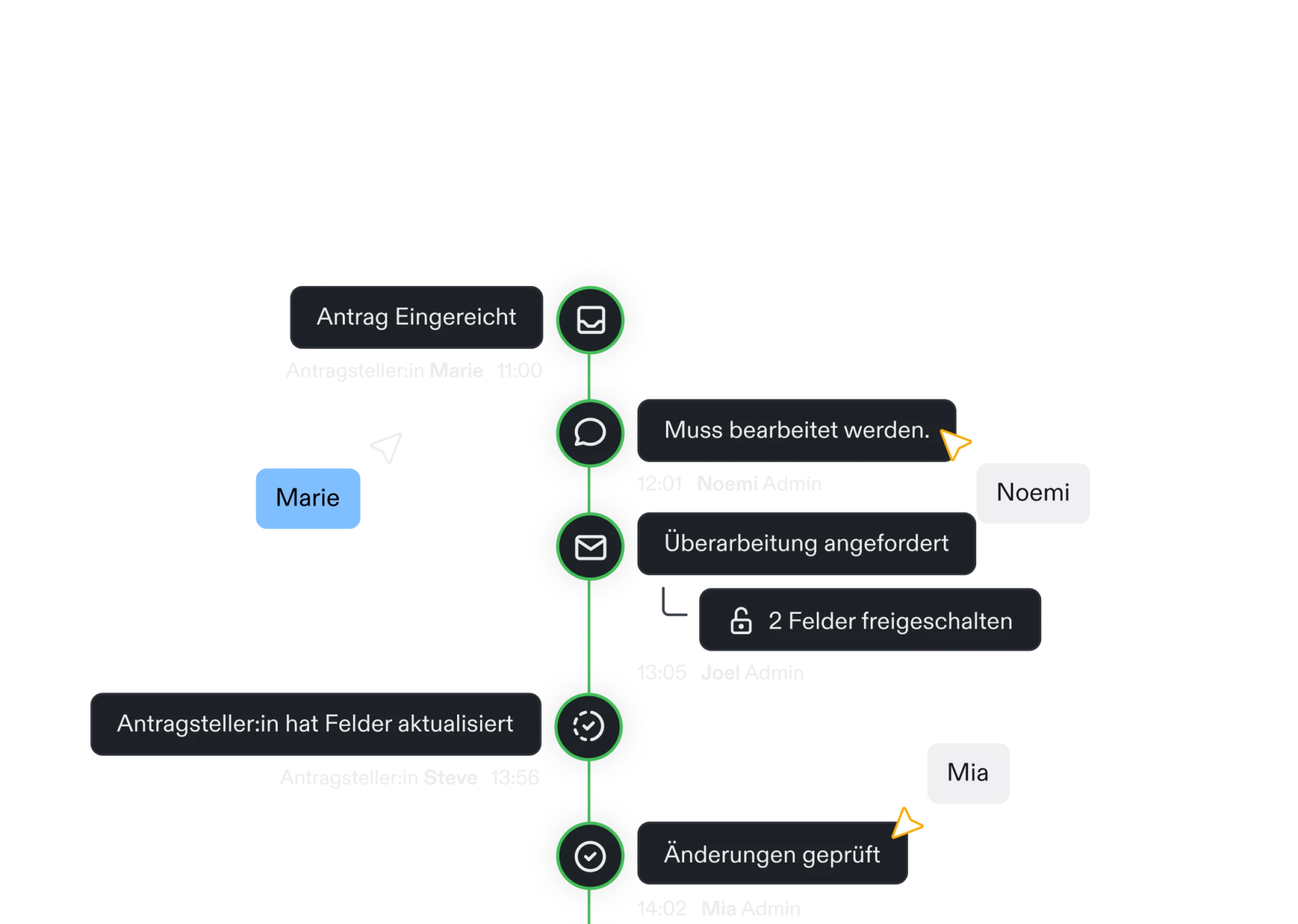
Ask applicants to revise specific fields or sections.
Email templates
Create as many templates as you need, with variables such as fields or a direct link to the application.
History and versioning
Follow every change and compare versions side by side.
Internal notes
Use internal notes and comments as a team to work on applications together and keep track.
System emails
Adapt every automatically generated email, such as confirmations or status updates, to your requirements.
Multilingual templates
Translate external templates into the supported languages.
Notifications
Receive real-time notifications about new or changed applications.
Your own email server
Send emails from your own domain and sender address.
Pinned comments
Keep important notes at the top of the dossier.
Reply-to addresses
Define which address applicant replies go to.
Automations & AI
Custom automations and supporting AI features.


AI agent
Ask about applications, forms and data in plain language. The AI answers based on your organisation.


MCP interface
Connect your own AI assistants to your Fundament data through an organisation-specific MCP endpoint.
Automations
Automate workflows with triggers, conditions, and actions — entirely without AI.
Automatic status changes
Define triggers that change a status automatically.
Automatic release
Decide when applications are released automatically.
Automated emails
Automate communication with applicants or reviewers to suit your needs.
Reminders
Receive automatic reminders about incomplete applications or upcoming deadlines.
AI agent
Ask about applications, forms, and data in plain language — the AI answers from your own organisation’s data.
AI summary
Have relevant fields summarised automatically, based on your own criteria.
AI criteria check
Analyse applications automatically against predefined assessment criteria.
AI tag suggestions
Let the AI suggest suitable tags based on the content.
Chatbot analytics
Administrators see which questions get asked, how long answers take and where answers are missing.
AI from Switzerland
The language models run at Infomaniak in Switzerland, open models such as Qwen and Mistral, and your data never leaves the country.
MCP interface
Connect your own AI assistants to your Fundament data through an organisation-specific MCP endpoint.
Dossier & Reporting
Reporting, data export and traceability.
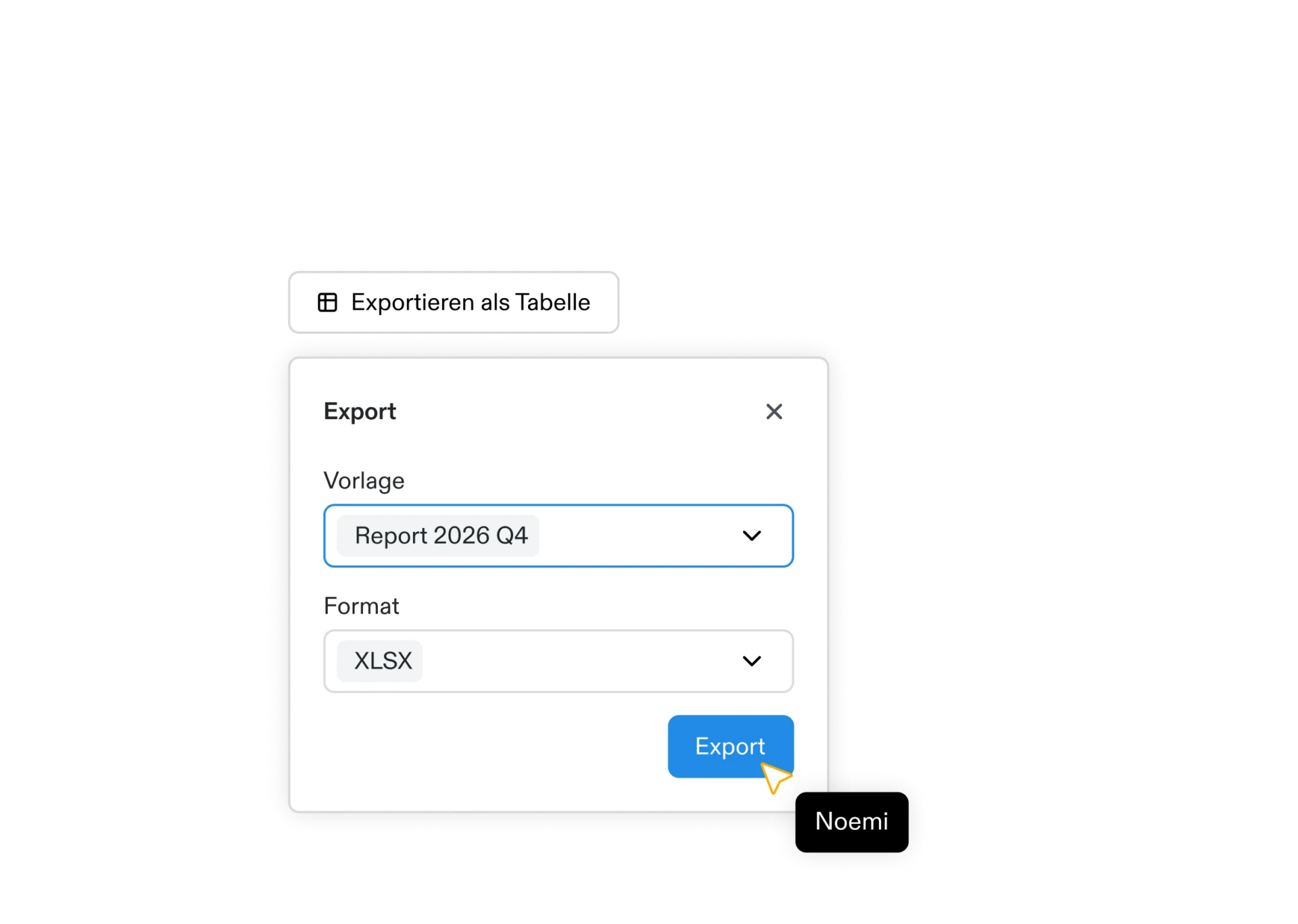

Export
Export data as PDF, CSV or Excel. PDF exports include images and attachments.


Dashboard
The key figures at a glance.
Export
Export data as PDF, CSV or Excel. PDF exports include images and attachments and can be downloaded as a ZIP file, with each application as its own PDF.
Statistics
The dashboard shows incoming applications over time and how they are distributed across statuses.
Tag breakdown
See how applications are distributed across your tags, optionally without the archived ones.
Sort, filter, search
Keep an overview even with large volumes of data.
Custom columns
Key form fields are shown directly in the table view.
Filter presets
Save the filters you use often and recall an application list in one click.
Export presets
Define which fields an export contains and reuse the template.
History and versioning
Follow every change and compare versions side by side.
Activity log
See who did what and when in your organisation, and what automations set off along the way.
Voting
Tools for running and evaluating votes.
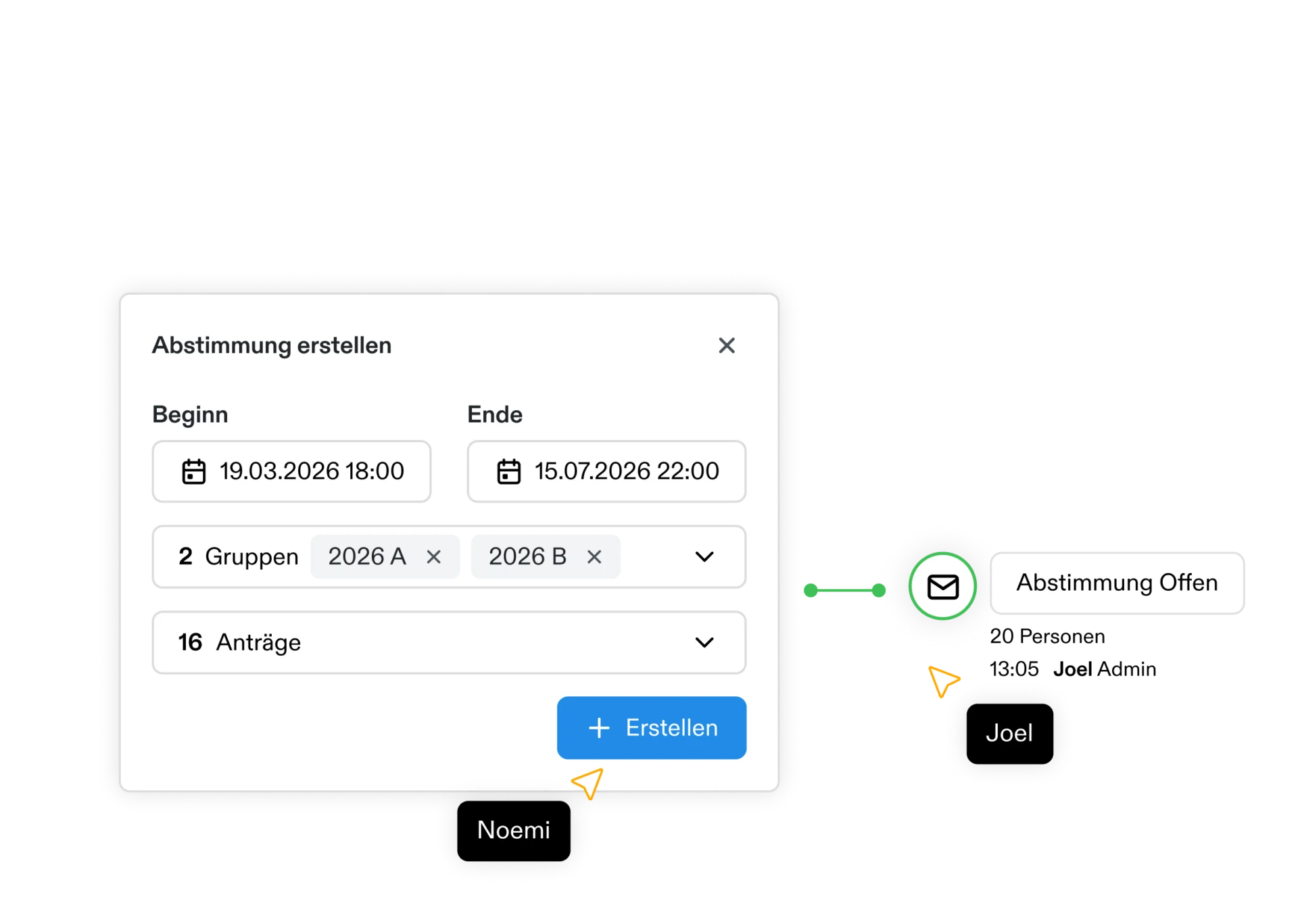
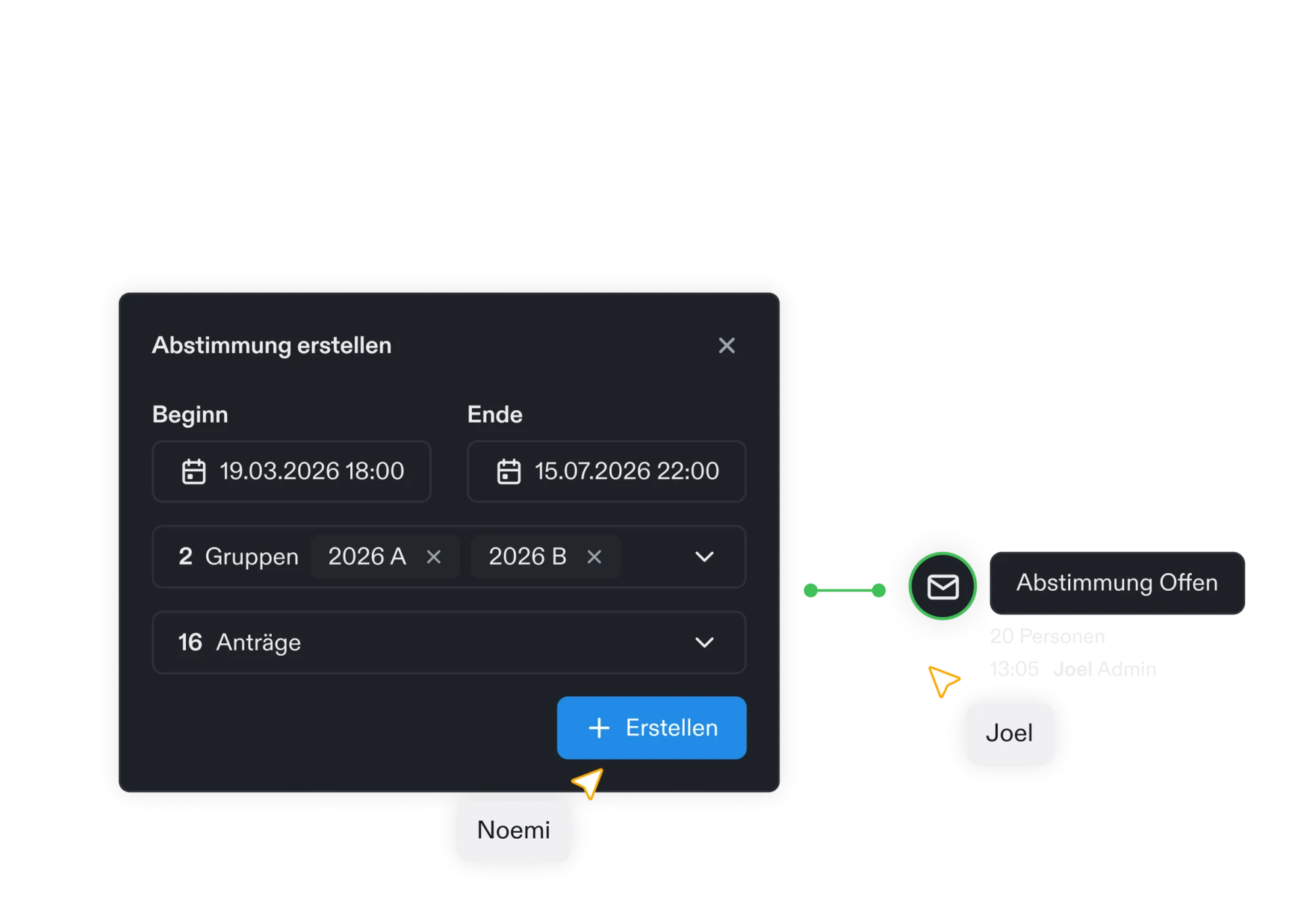
Simple setup
Create a vote, invite members and assign applications in a few steps.


Dashboard & analysis
See every result, detail and statistic for a vote in one clear online dashboard.
Review & rate
Read and rate applications at any time, from anywhere.
Voting access through groups
Whoever is in a group gets access to the votes assigned to that group.
Privacy-friendly voting
Hide personal details selectively to strengthen privacy and reduce potential bias.
Live voting
Vote together, on site and in real time.
Comments on a vote
Voters can explain their assessment, and those comments appear together in the results.
Additional fields
Shape the assessment structure freely and capture relevant details right in the vote.
Turnout at a glance
Total votes, eligible voters, turnout and the average value sit at the top of every vote.
Results by application and person
The results can be read by application or by voter, each with the average and the distribution of votes.
Export the votes
Export the votes as CSV, in detail with one row per vote or as a matrix of applications and members.
PDF export
Export and share clear, professionally formatted results as a PDF.
Reminders
Remind groups or individuals about the vote before the deadline.
Roles & access
Define reading and voting groups, and control access precisely.
Finances
Manage budgets, approve amounts and track payments.


Budgets at a glance
Every budget with approved amounts, payments and utilisation, across all forms.
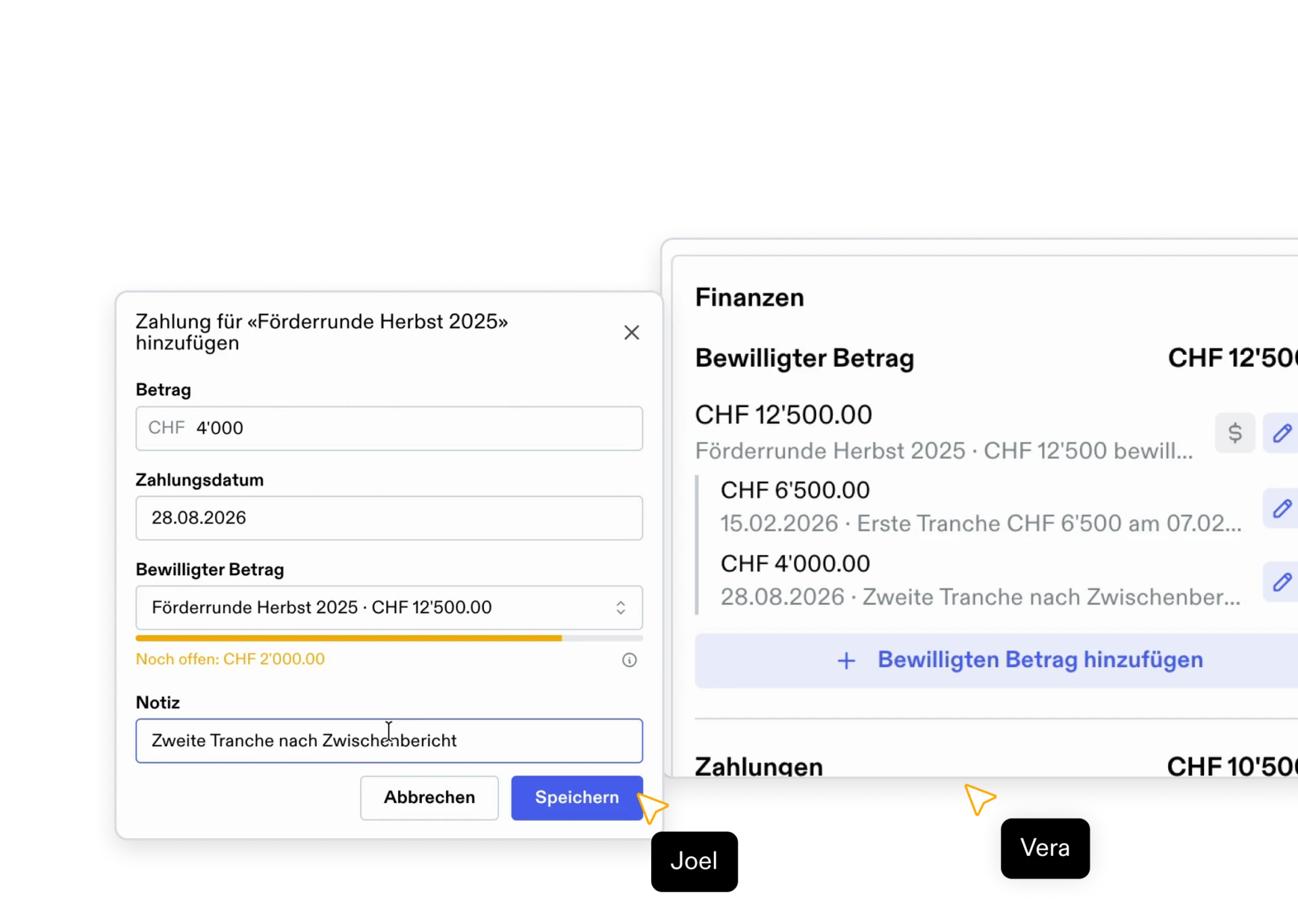

Amounts on the application
Record approved amounts and payments right where the application is.
Finances
Manage budgets, approved amounts and payments in a dedicated area, linked directly to your applications.
Budgets per form
Set up as many budgets per form as you need, for a year or a funding round, in CHF, EUR or USD.
Approved amounts
Record on the application itself which amount was approved and which budget it draws on.
Record payments
Record every payment with its date, amount and note.
Part payments
Pay out an approved amount in several tranches and see at any time how much of it is still open.
Utilisation at a glance
The overview shows for every budget how much is approved, paid, available and still open.
Applications per budget
See for every budget which applications it funds and with which amount.
Payout history
Charts show how a budget is split, cumulative payouts over time and payment volume per month.
Payments journal
Every payment across all forms, filterable by budget and period, with total, count and average.
CSV export
Export the budget overview and payments as CSV, filtered exactly as you see them on screen.
Complete history
Every change to budgets, approved amounts and payments appears in the application history, with who made it, when, and the previous value.
Archive budgets
Archive closed budgets. They disappear from the overview while every figure is kept.
Access by role
Only admins see budgets and reports, editors can additionally record amounts. Applicants never see any of the finance data.
CRM
Applicants, groups and their full history in one place.
CRM
A dedicated area for your applicants: contacts, groups, and the full history in one place.
Internal and applicant contacts
Applicants and team members appear in one list, told apart by type and filterable by group.
Groups & group types
Organise contacts into groups and define your own group types with custom fields.
All applications per person
Every application and the most recently worked-on dossiers for a person, at a glance.
Activity timeline
Follow a person’s revisions, comments, votes, and emails in chronological order.
Email history per contact
See every email sent, including the subject and the application it belongs to.
Contact details
Phone, address and city sit on the contact, along with how long the person has been there and when they last signed in.
Email from the contact
Write to a person straight from their contact, without going through an application.
Invite people
New people receive an invitation by email and the role you assign them.
Assign several contacts at once
Select several contacts and assign them to one or more groups in a single step.
Voting access through groups
Whoever is in a group gets access to the votes assigned to that group.
Duplicate hints
Fundament flags contacts sharing a name so duplicates surface early.
Technical & interfaces
Secure access, open interfaces and responsible operations in Switzerland.
Servers in Switzerland
Your data sits in Swiss data centres run by Infomaniak, under Swiss law and outside the reach of foreign access legislation.
Data security
Infomaniak designs and operates its data centres itself, encrypts the stored data and meets the requirements of the GDPR.
Two-factor authentication
Protect accounts with an additional time-based one-time code (TOTP).
Daily backups
Your data is backed up automatically every day.
API
Submit applications straight from your own website through a key-authenticated interface.
MCP interface
Connect your own AI assistants to your Fundament data through an organisation-specific MCP endpoint.
Your own email server
Send emails from your own domain and sender address.
Public status page
Whether the application, sign-in and AI services are running is publicly visible at any time and refreshes every 30 seconds.
Maintenance notices
Planned work and incidents appear as a notice in the application and the portal, with their time window and severity.
Public manual
A freely accessible manual explains every feature in German, French, Italian and English.
Ethical infrastructure
Infomaniak is owned by its employees, does not sell data and has its commitments audited by the Geneva chamber of the social and solidarity economy.
Carbon offsetting
Operations run exclusively on renewable energy, and Infomaniak offsets the remaining emissions at 200 percent.